

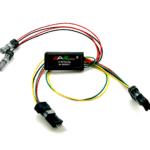


Description
PROPERTIES:
Maximum speed: unlimited
Speed limit setting: YES
Display shows: actual values
Activation: activated at all times
Compatible with: all Specialized e-bike motors (including SL) and control units TCU/MasterMind TCU
Not compatible with:
SpeedBox App
Specialized GEN 4 (3.1/S-Works)
IGH electronic shifting
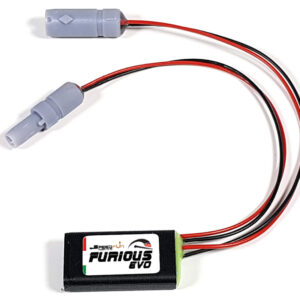
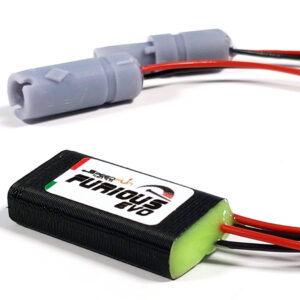
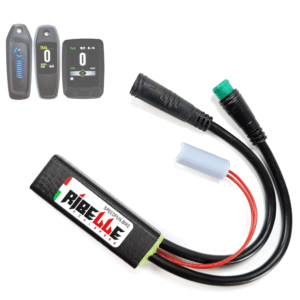
A tuning chip with an option to set a speed limit for Specialized e-bikes (including SL motors) and control units TCU/MasterMind TCU
SpeedBox 3.1 tuning chip disables the speed limiter on the e-bike so you can enjoy riding at unlimited speed. After installation, your e-bike’s display will show real data such as maximum and average speed, daily mileage and cruising range.
How does SpeedBox 3.1 for Specialized work?
SpeedBox is installed into the e-bike frame under the TCU/MasterMind TCU unit. You activate the tuning by switching the e-bike off and on twice. After that, the tuning remains active with a set maximum assistance speed of 50 km/h.
You can set the maximum speed limit by switching the modes from TURBO mode three levels down and then three levels up (TRAIL – ECO – OFF – ECO – TRAIL – TURBO). The display will show the default maximum speed limit of 25 km/h. With each brief activation of the WALK function, the limit increases by 5 km/h (some displays may round to the nearest number). The last displayed limit will be saved after 5 seconds of inactivity. Confirm the setting by turning the e-bike off and on twice.
You can check the currently set maximum speed limit by pressing the + – + – button combination.
If you want to uninstall the SpeedBox from your e-bike, first set the assist speed back to 25 km/h by doing the mode switch sequence again, and confirm by switching the bike off and on twice.
Note: Speed indication in the Specialized Mission Control app may not display correctly. If you have a TCU without a display or without a Walk function, we recommend purchasing the B.Tuning version compatible with the SpeedBox App.
Assembly
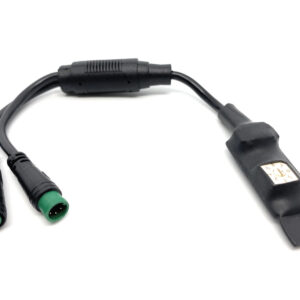
When connecting the SpeedBox to an e-bike, you’ll find colored connectors to make installation simple. We’ve prepared detailed instructions and videos to help you. Disassembly is just as easy. If you need help, feel free to contact us anytime.
If you’re installing the SpeedBox on a brand-new bike, ride it for at least 10 km before activating the product.
Felix Teichmann (verified owner) –
Perfekt
Giulio (verified owner) –
Best price, quick shipment and kind assistance to buy .. Recommended.