


Descrizione
PROPRIETÀ:
Velocità massima: illimitata
Speed limit setting: On the display or in the SRAM AXS app
Il display mostra: Velocità reale
Attivazione/disattivazione della sintonizzazione:
Funzione WALK
Combinazione di pulsanti – + – + o + – + –
Compatibile con i motori:
Brose SPECIALIZZATO
Brose S-MAG
Brose S
Brose T
Brose C
Brose T-ALU
Gruppo propulsore SRAM di Brose
Non compatibile con i motori:
Brose S Mag FIT
Specialized GEN 4 (3.1/S-Works)
BROSE Specialized SL
(For SL models use SpeedBox 3.1 for Specialized)
Non compatibile con le e-bike:
E-bike che non hanno un connettore nella porta di visualizzazione
(di solito c'è solo un tappo finto)
Non compatibile con:
Enviolo Automatiq
Applicazione SpeedBox
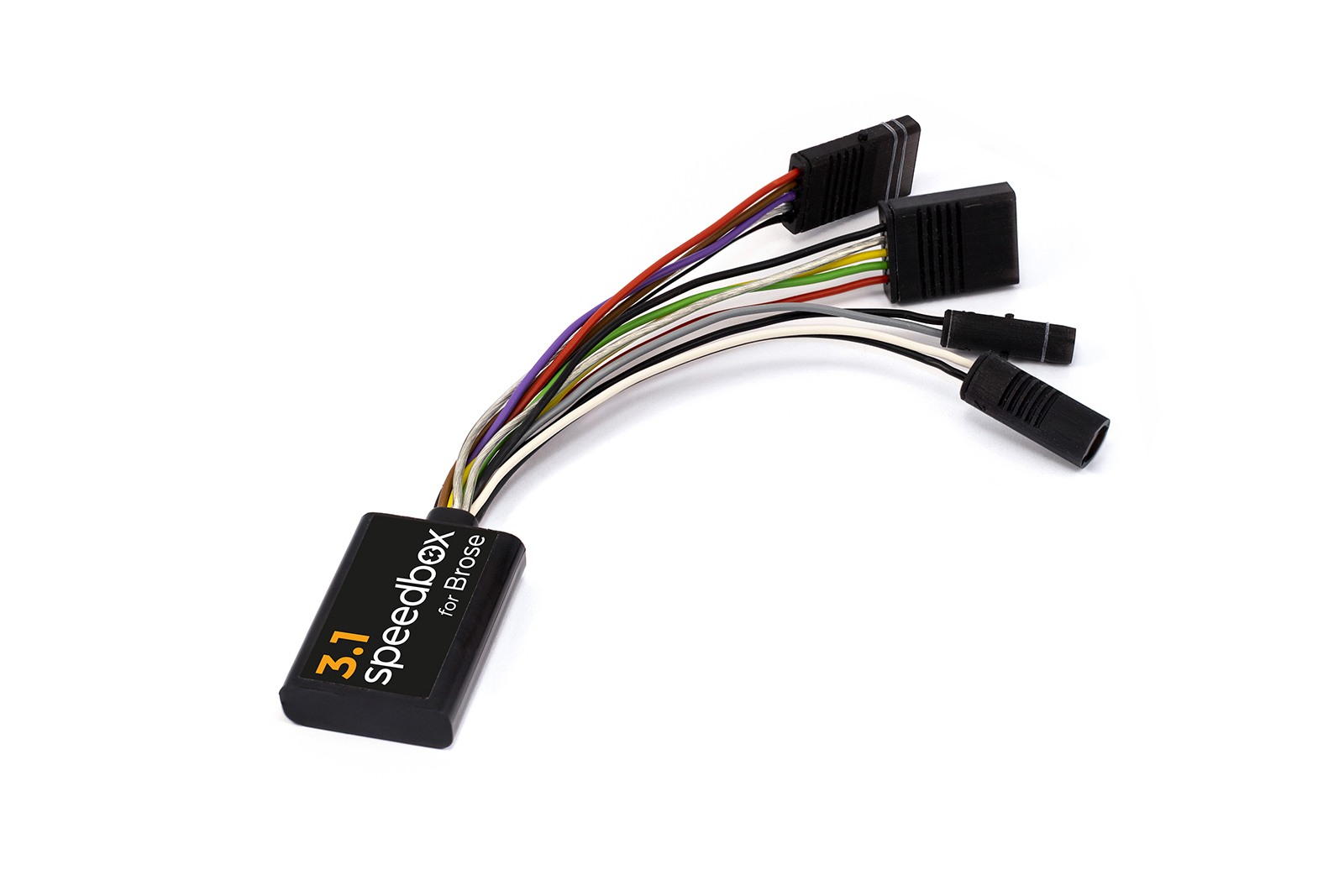
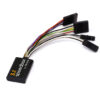
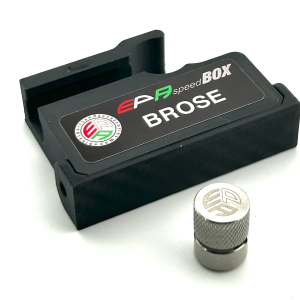
Smart third-generation tuning for Brose and Specialized motors, including the SRAM Powertrain unit
SpeedBox 3.1 for Brose unlocks the speed limiter and allows riding at an almost unlimited speed, which will depend only on the pedaling cadence.
Come funziona SpeedBox 3.1?
The tuning kit can be activated directly on your bike’s controller. By activating the WALK assist function shortly, a value of 99 km/h (62 mph) is displayed. From now on, you will be able to ride at a speed of 40 km/h, 50 km/h and even more than 60 km/h.
To deactivate the tuning kit, activate the WALK assist function shortly again. The value of 25 km/h (16 mph) will appear on your display and the speed limit will reset to 25 km/h. Your e-bike will then work the same as before installation of the tuning.
SpeedBox was also designed for e-bikes that do not have a classic control unit with WALK assist function. In this case, you can just use the combination of + – + – buttons and SpeedBox will be activated. You can easily deactivate SpeedBox in the same way.
You can set the maximum speed of electric assistance by switching modes three levels down and then three levels up: TURBO – TRAIL – ECO – OFF – ECO – TRAIL – TURBO. An actual speed limit will be displayed after that. The maximum speed of electric assistance can be adjusted by briefly activating the WALK assist function or by turning the rear wheel 360°. The speed will always increase by 5 km/h. The last displayed limit will be saved after 5 seconds of inactivity.
The speed indication in the Specialized Mission Control app is not functioning correctly. If you have a TCU without a display on your e-bike, we recommend purchasing the B.Tuning version compatible with the SpeedBox App.
Assemblea
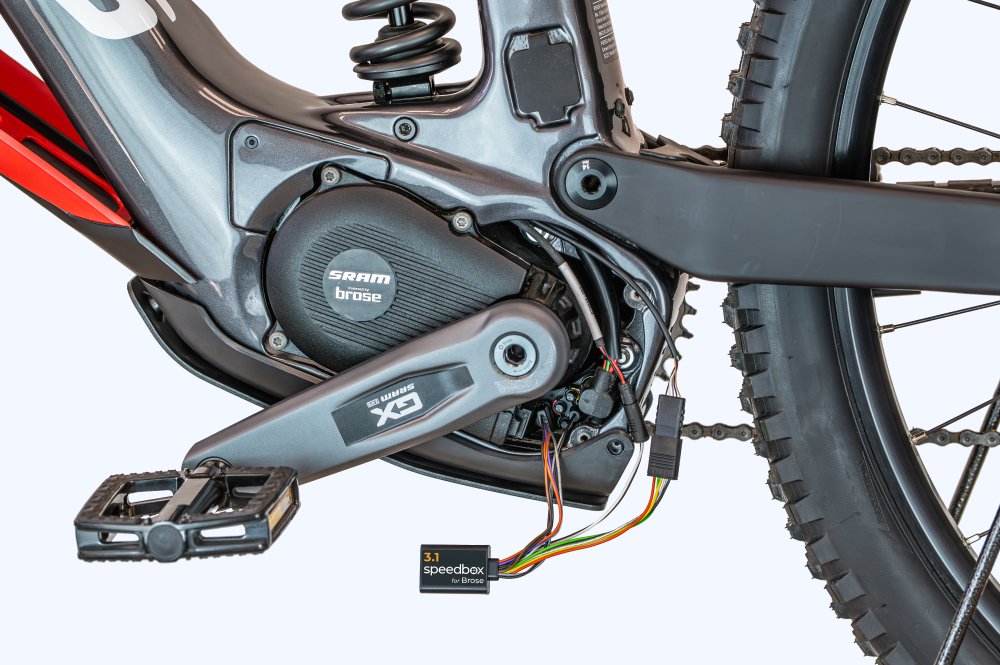
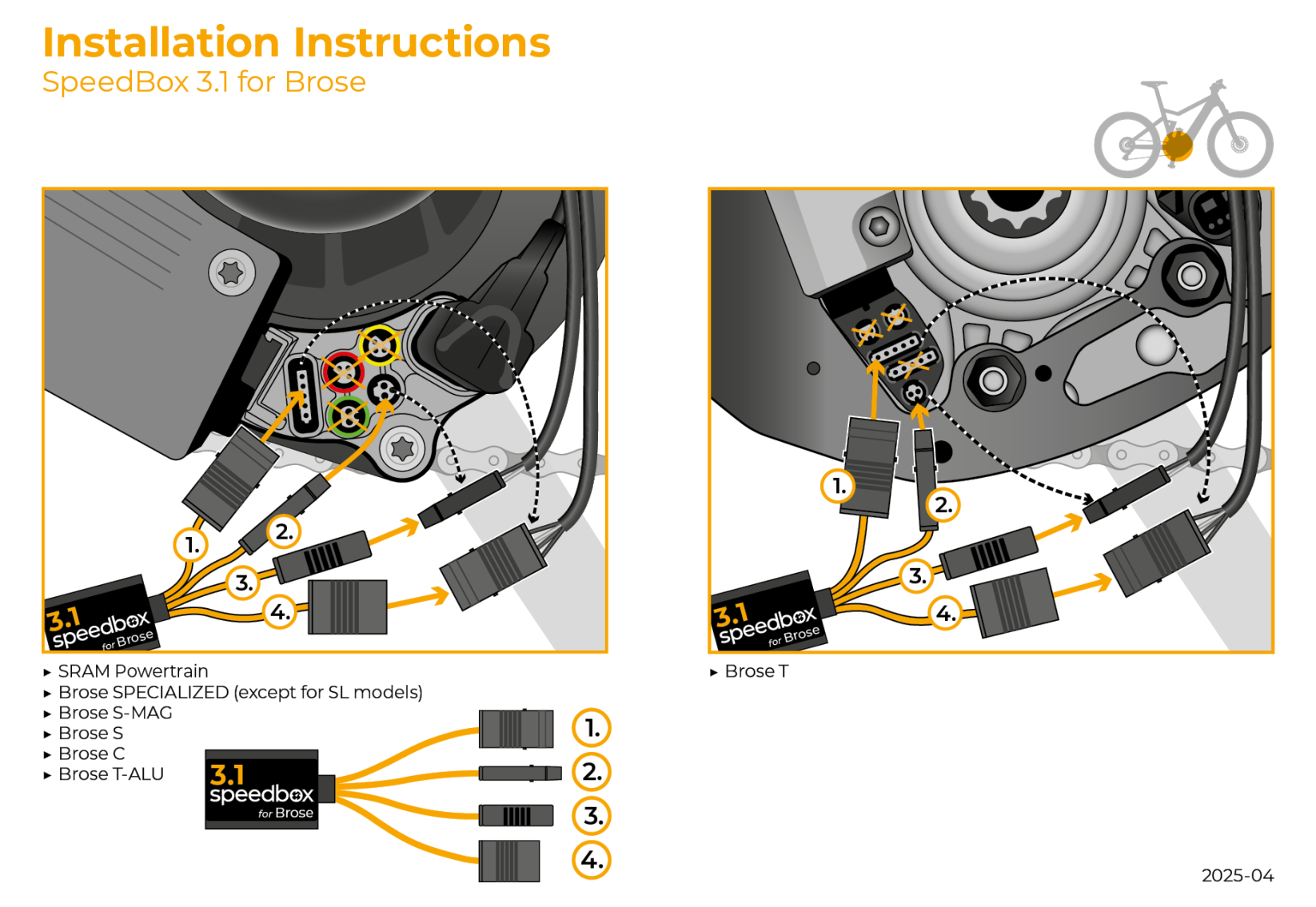
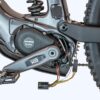
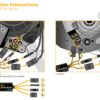
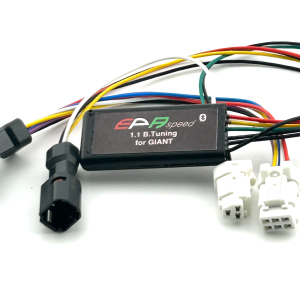
When connecting the SpeedBox to an e-bike, you will find connectors colored to make installation very simple. We have prepared detailed instructions and videos to make installation easy for you. Disassembly of our tuning product is just as easy. If you have any trouble with installation or disassembly, do not hesitate to contact us.
Se intendi installare SpeedBox su una bicicletta nuova di zecca, assicurati di percorrerla per almeno 10 km prima di attivare il prodotto.
Attivazione e disattivazione della messa a punto SpeedBox per e-bike con unità SRAM Powertrain
Per attivare o disattivare la sintonizzazione, attivare brevemente la funzione WALK o passare da una modalità di assistenza all'altra (+ – + -).
Attivazione della sintonizzazione (velocità illimitata) → il display visualizzerà un valore della batteria del 99%, che corrisponde a una velocità massima di 99 km/h.
Disattivazione della sintonizzazione (velocità limitata) → il display visualizzerà un valore della batteria del 25%, che corrisponde a un limite di velocità di 25 km/h.

Recensioni
Ancora non ci sono recensioni.