


Description
PROPERTIES:
Maximum speed: Unlimited
Speed limit setting: On the display or in the SRAM AXS app
Display shows: Real speed
Tuning activation/deactivation:
WALK function
Button combination – + – + or + – + –
Compatible with motors:
Brose SPECIALIZED
Brose S-MAG
Brose S
Brush T
Brose C
Brose T-ALU
SRAM Powertrain by Brose
Not compatible with motors:
Brose S Mag FIT
Specialized GEN 4 (3.1/S-Works)
BROSE Specialized SL
(For SL models use SpeedBox 3.1 for Specialized)
Not compatible with e-bikes:
E-bikes that do not have a connector in the display port
(usually there is just a dummy plug instead)
Not compatible with:
Enviolo Automatiq
SpeedBox App
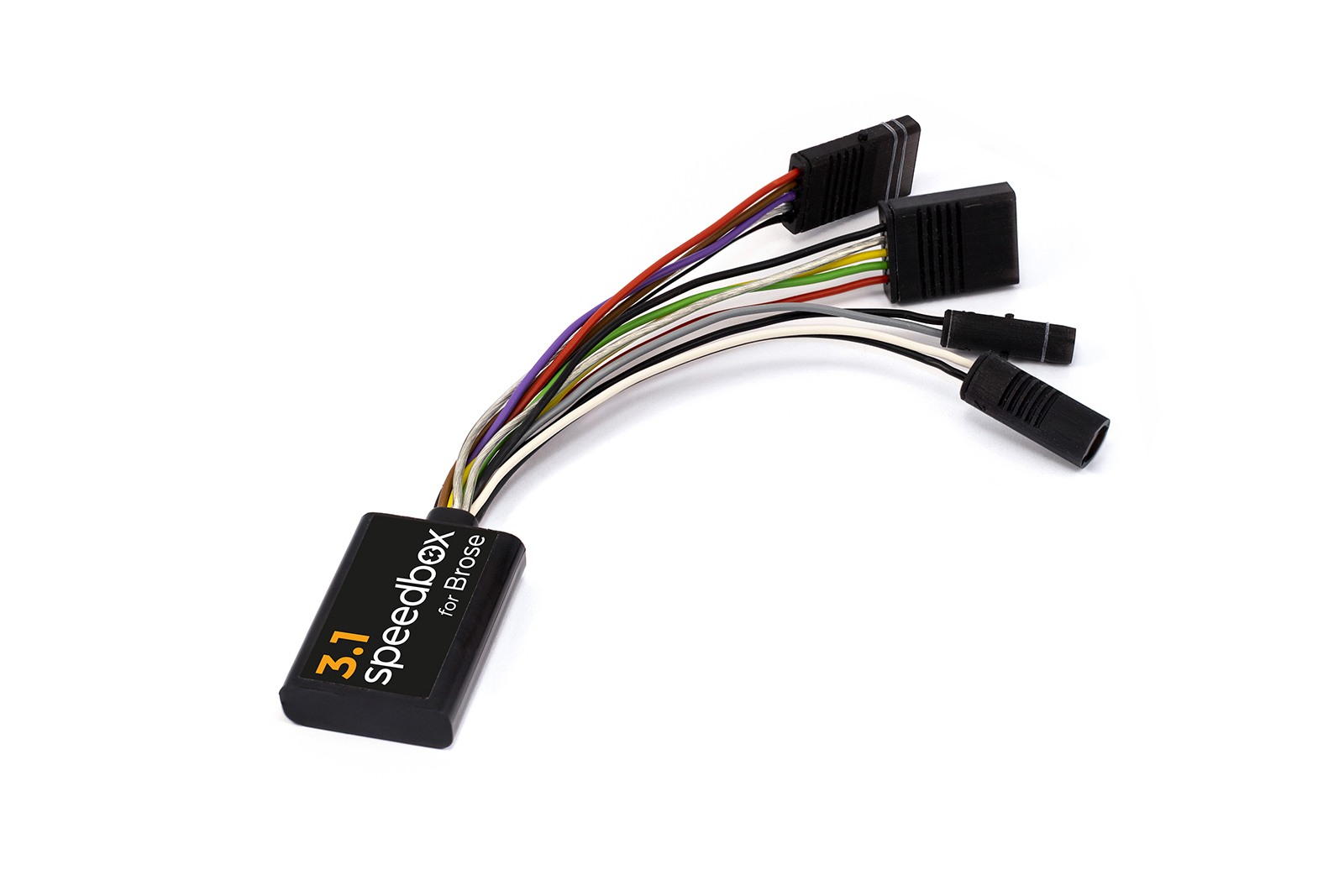
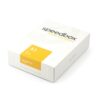
Smart third-generation tuning for Brose and Specialized motors, including the SRAM Powertrain unit
SpeedBox 3.1 for Brose unlocks the speed limiter and allows riding at an almost unlimited speed, which will depend only on the pedaling cadence.
How does SpeedBox 3.1 work?
The tuning kit can be activated directly on your bike’s controller. By activating the WALK assist function shortly, a value of 99 km/h (62 mph) is displayed. From now on, you will be able to ride at a speed of 40 km/h, 50 km/h and even more than 60 km/h.
To deactivate the tuning kit, activate the WALK assist function shortly again. The value of 25 km/h (16 mph) will appear on your display and the speed limit will reset to 25 km/h. Your e-bike will then work the same as before installation of the tuning.
SpeedBox was also designed for e-bikes that do not have a classic control unit with WALK assist function. In this case, you can just use the combination of + – + – buttons and SpeedBox will be activated. You can easily deactivate SpeedBox in the same way.
You can set the maximum speed of electric assistance by switching modes three levels down and then three levels up: TURBO – TRAIL – ECO – OFF – ECO – TRAIL – TURBO. An actual speed limit will be displayed after that. The maximum speed of electric assistance can be adjusted by briefly activating the WALK assist function or by turning the rear wheel 360°. The speed will always increase by 5 km/h. The last displayed limit will be saved after 5 seconds of inactivity.
The speed indication in the Specialized Mission Control app is not functioning correctly. If you have a TCU without a display on your e-bike, we recommend purchasing the B.Tuning version compatible with the SpeedBox App.
Assembly
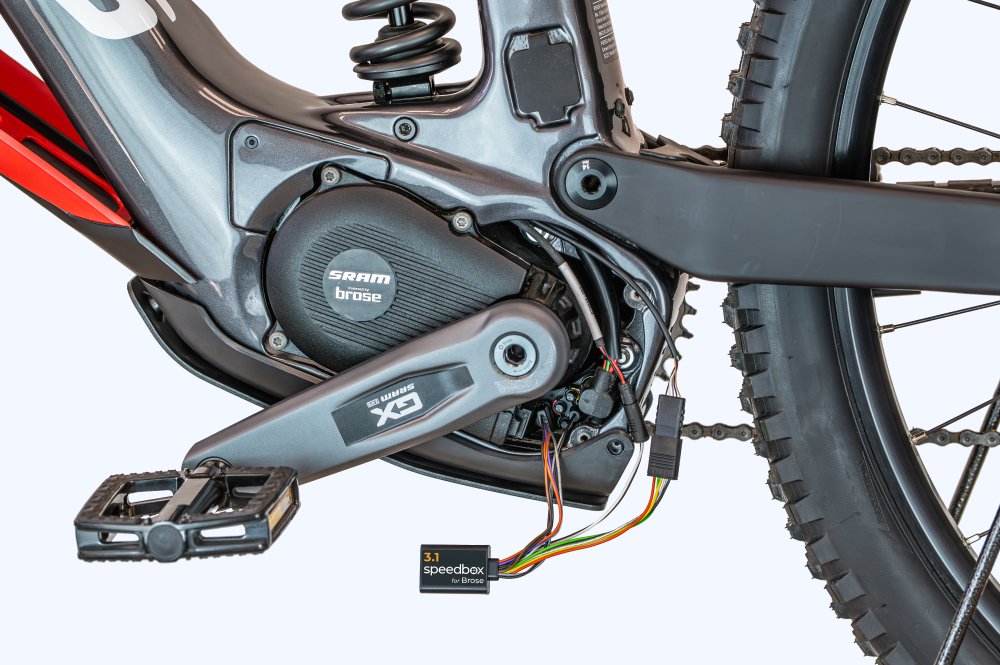
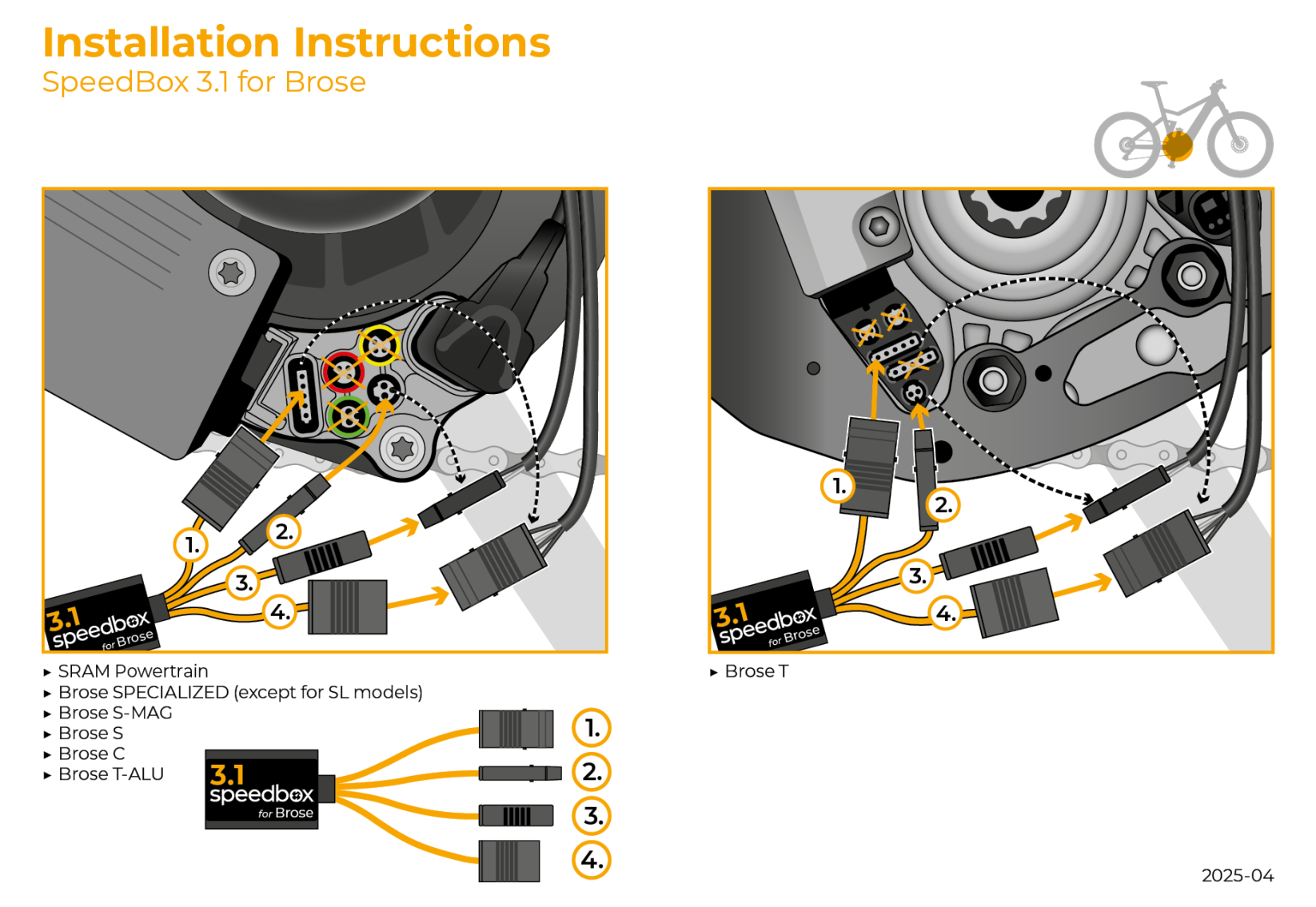
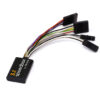
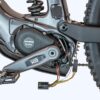
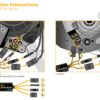
When connecting the SpeedBox to an e-bike, you will find connectors colored to make installation very simple. We have prepared detailed instructions and videos to make installation easy for you. Disassembly of our tuning product is just as easy. If you have any trouble with installation or disassembly, do not hesitate to contact us.
If you are planning to install SpeedBox on a brand-new bike, make sure you ride it for at least 10 km before the product is activated.
Activation and deactivation of SpeedBox tuning for e-bikes with SRAM Powertrain unit
To activate or deactivate the tuning, briefly activate the WALK function or switch between two assistance modes (+ – + -).
Activation of tuning (unlimited speed) → the display will show a battery value of 99%, which corresponds to a maximum speed of 99 km/h.
Deactivation of tuning (limited speed) → the display will show a battery value of 25%, which corresponds to a speed limit of 25 km/h.

Reviews
There are no reviews yet.